How does Vestigio work?
Time your outdoor route by scanning two QR codes: one at the start and another when you reach the finish. It works in your phone’s browser — no app to download.
In short: 3 steps
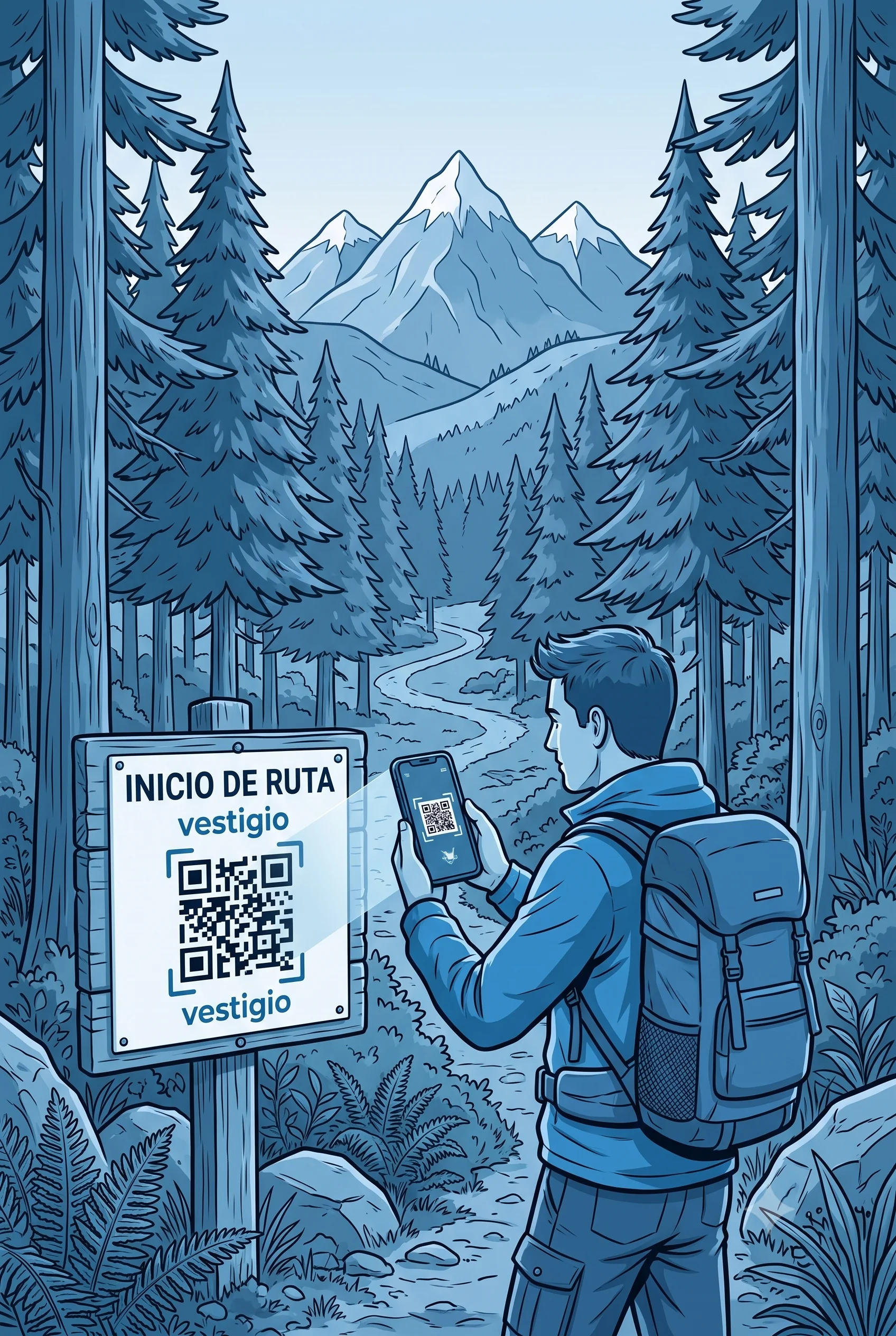
Scan the start QR
At the trail or park starting point. You set up your attempt and press Start.
Do the route
Run, walk, or ride to the finish. You can put your phone away: the timer is already recorded in Vestigio.
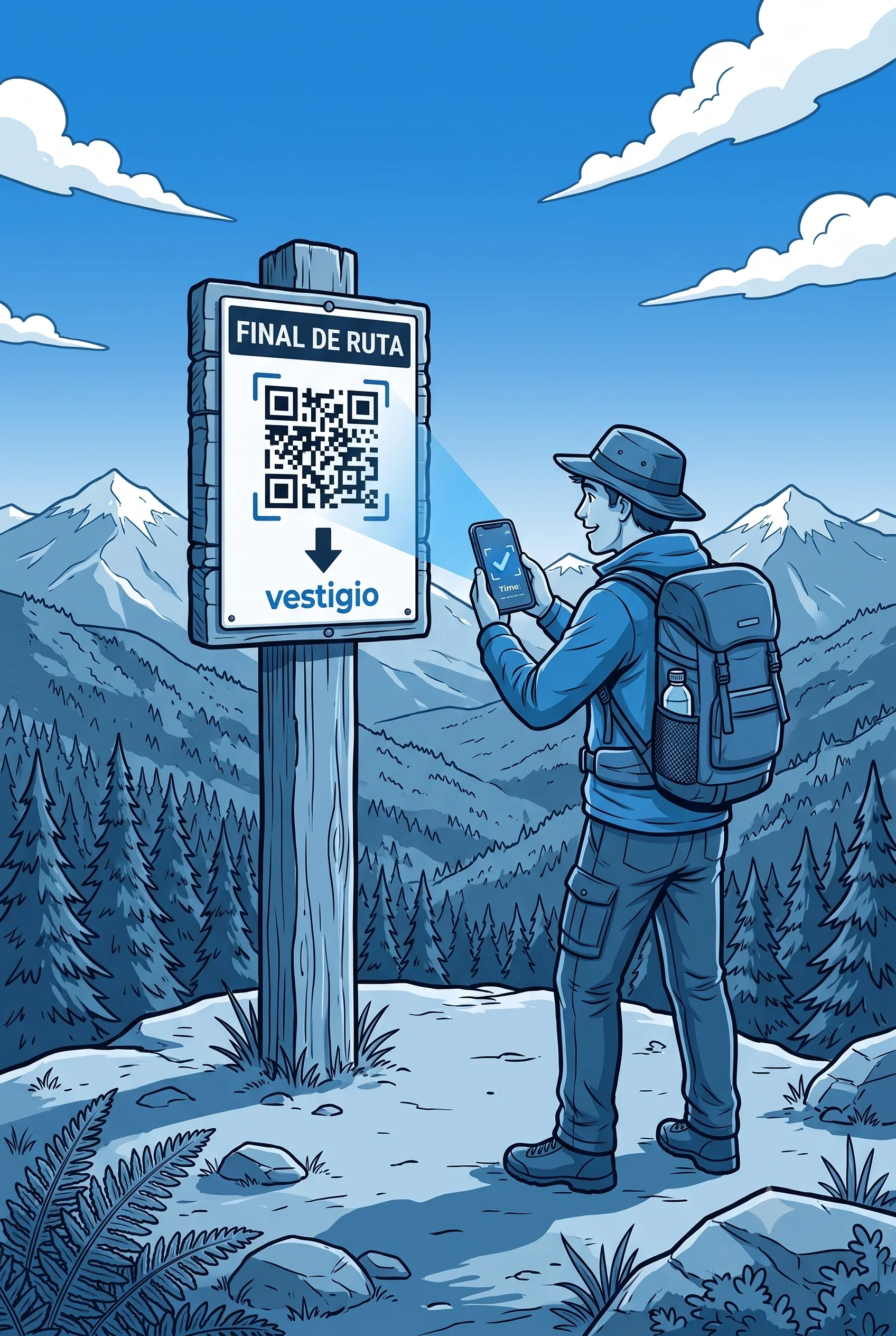
Scan the finish QR
When you arrive, you scan the second QR. You see your time and your place on the route ranking.
On the ground you’ll see plates or signs like these (start and finish):
Start QR
Finish QR
Step by step (in detail)
At the starting point
You arrive at the start of the route (hill, park, waterfront, etc.) and scan the first QR. You can do it two ways:
- Phone camera: point at the QR and open the link that appears (it takes you to vestigio.app).
- Vestigio scanner: if you prefer, use our reader from the menu (ideal on iPhone).
On the Vestigio screen (before you head out)
After scanning the start QR you’ll see the route name. There you complete this once per attempt:
- Identify yourself with your email (only the first time on that device; after that Vestigio recognizes you automatically). There is no password.
- Choose your discipline (running, bike, trekking, etc., depending on what that route offers).
- Press the green «Start» button within the 30 seconds shown on screen. That’s when your timer officially starts.
At the finish
When you reach the finish, you scan the second QR (finish) with the camera or scanner, same as at the start. Vestigio finds your open attempt, stops the timer, and shows your time.
Your time is saved in the cloud and you can see that route’s ranking: compare with other athletes and improve on your next visit.
View challenges and rankingsFrequently asked questions
- The ranking is fair and verifiable, without depending on your watch or app accuracy.
- Vestigio doesn’t know where you went — we only know how long you took between the two points.
Why is it so simple?
No downloads
Just your browser and the camera to read the QR.
Time in the cloud
Your time is saved when you cross the finish.
Public ranking
Compete with the community on every route.
Your track is yours
We don’t use GPS or track your location.
Ready for your first challenge?
Find the start QR on your favorite route or explore the available challenges.
Scan QR View challenges